
Three years ago, we released the design for the Adept, a unique trackball perfectly suited for the use of QMK, for 3D-printing, and for ambidextrous use across a wide variety of applications.
The Adept has been consistently popular ever since we released it. It’s been used by people for many different purposes, and spurred many of our community’s members to make innovative modifications for it, taking advantage of its open-source nature.
Today, I have the privilege of sharing the next iteration of our Adept design. It’s been improved in every way we could think of, leveraging the enthusiasm that we’ve seen for the design in our community.
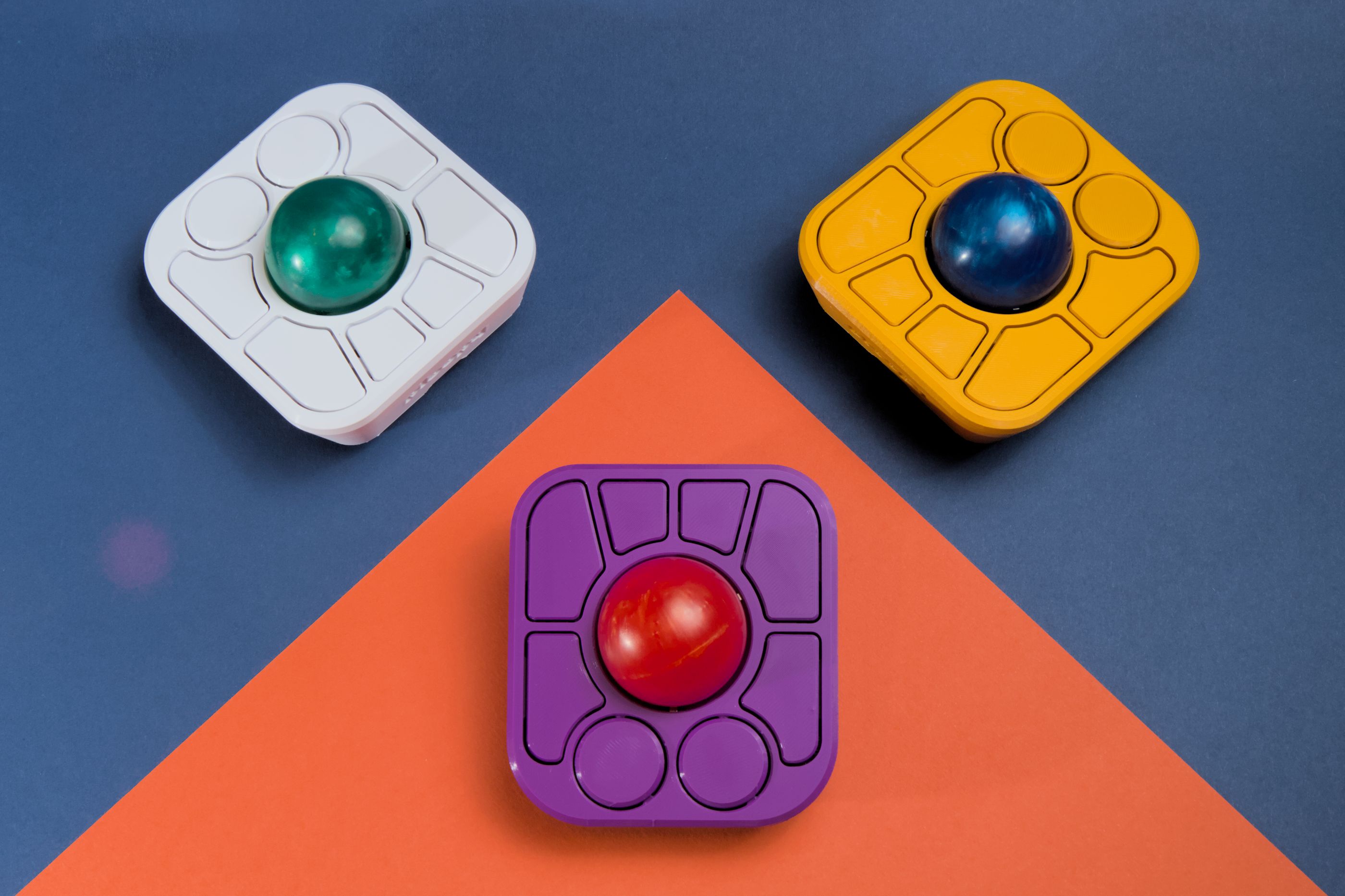
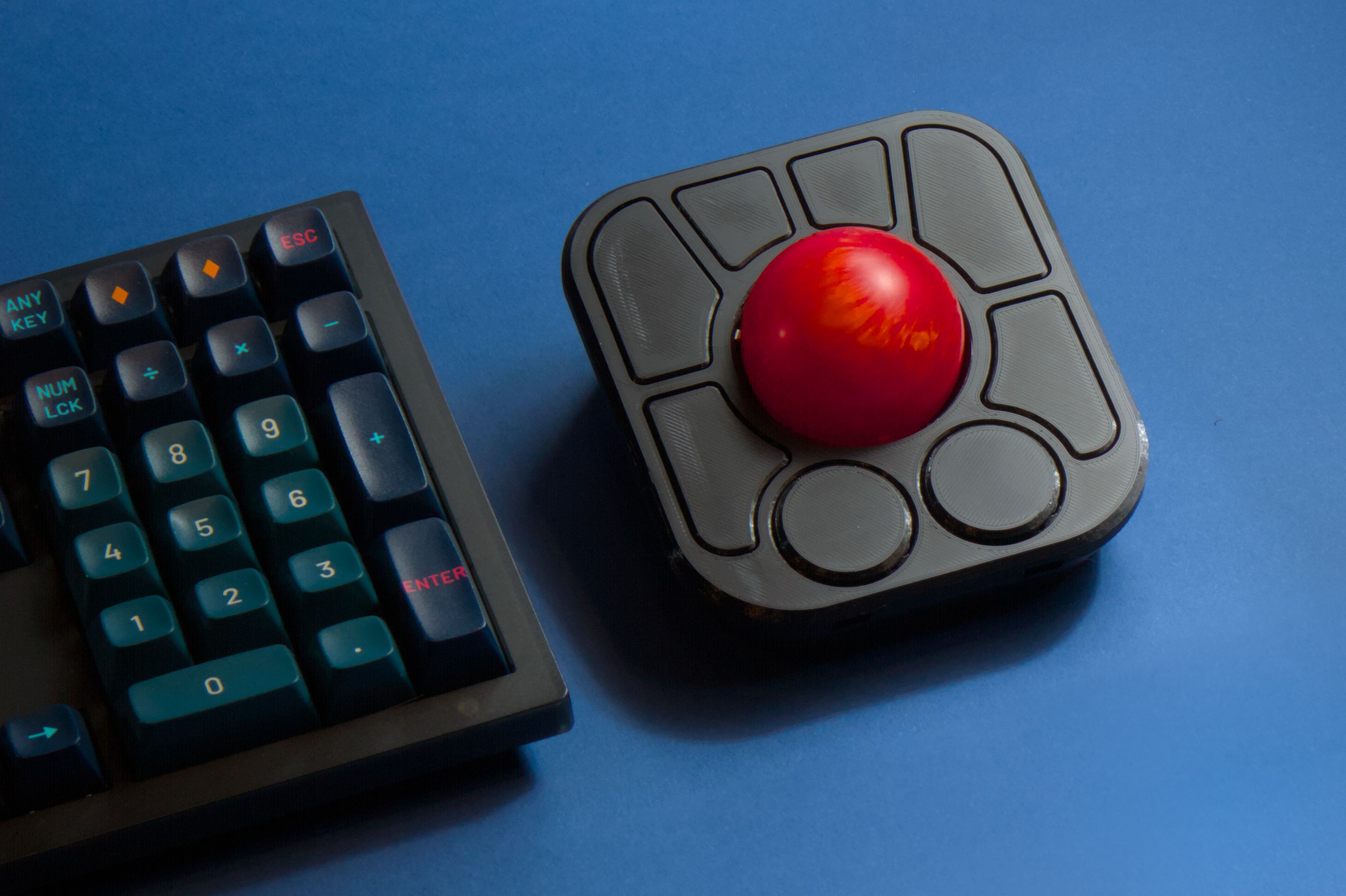
Here it is: the A+.
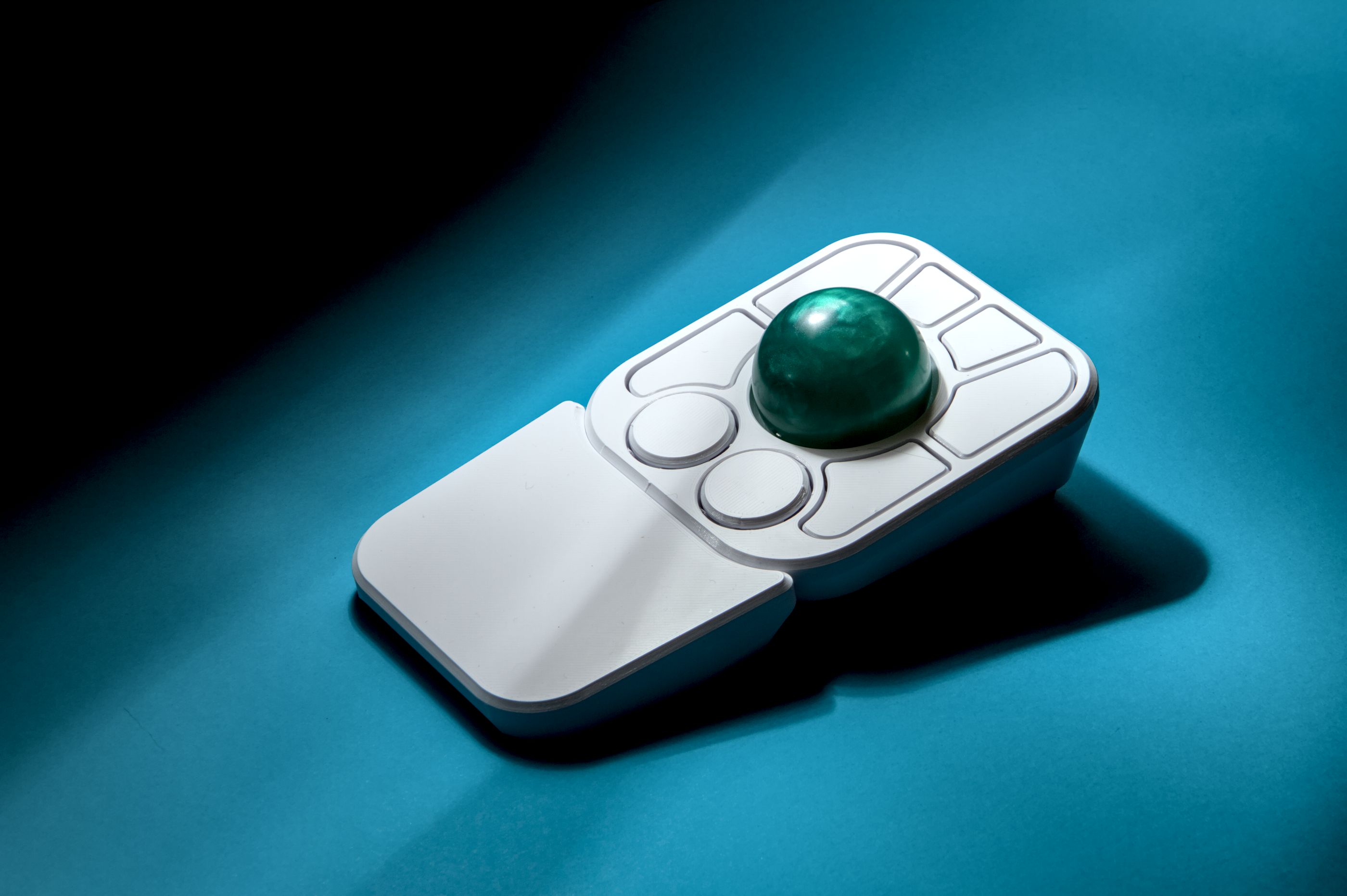
The A+ is loaded with new features, and we’ve kept everything about it that you love. And, starting on Wednesday, August 19th, 2026 at 10am ET, you can preorder a kit for $99CAD.
What’s new
The A+ has a bunch of incredible new features that improve upon the successful design of the Adept. I’ll be going over all of them in detail below.
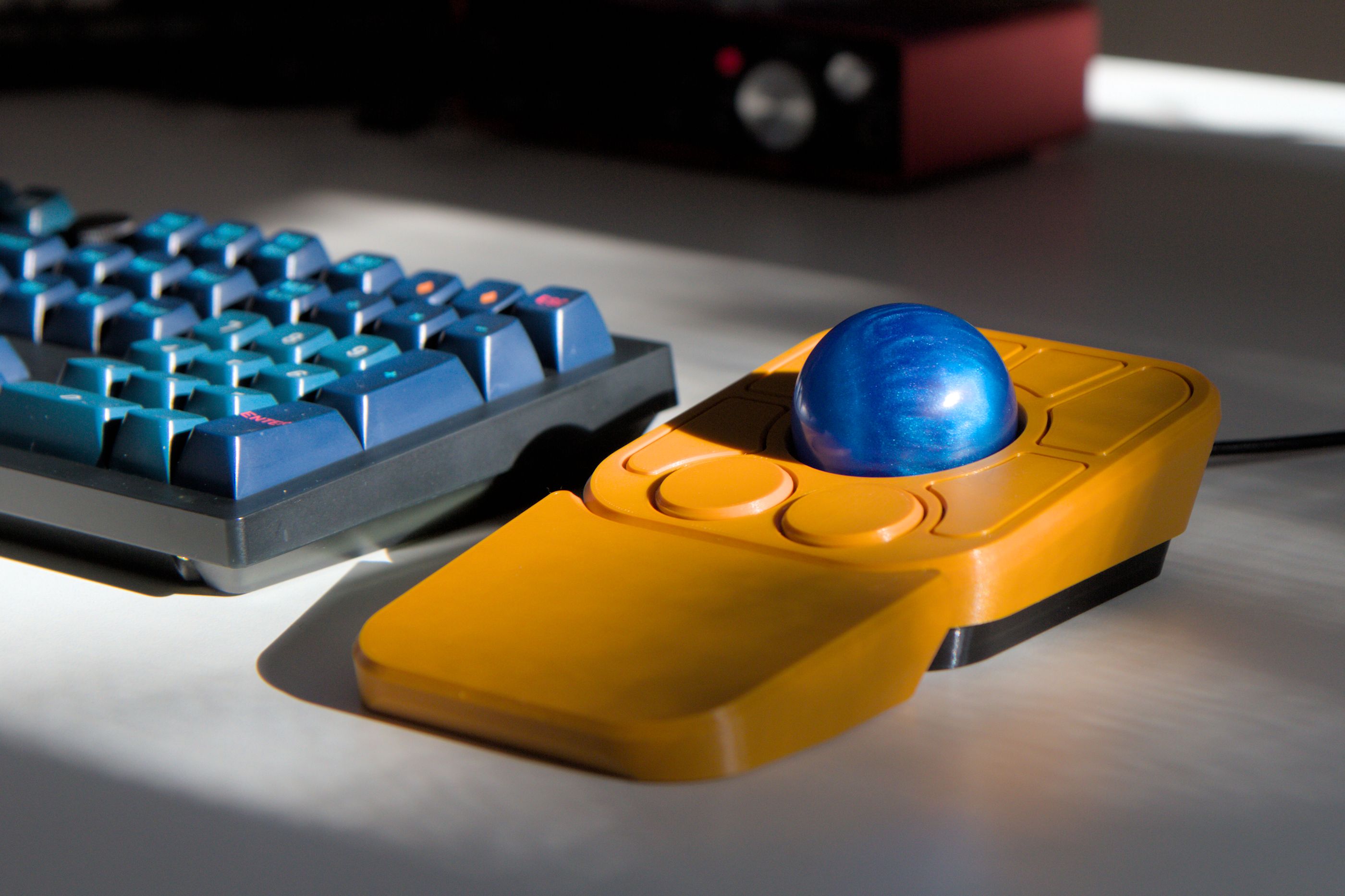
The most obvious change is in the number of buttons. The A+ has eight!
The original Adept had six buttons. However, ever since we released the original Adept, the PCBs have contained two unpopulated lands for additional switches. Our intention was always to eventually move to eight buttons. The A+ finally lives up to the ambition that we set for ourselves back in 2023.
.jpg)
Additionally, two of those buttons are also knobs! By default, they do high-resolution vertical and horizontal scrolling, but can be reprogrammed for different functions.
We included two knobs because of the success of our standalone Knob design. The knobs in the A+ are practically the same, giving both knobs a smooth, accurate feel.
Another new A+ feature that was borne of our original Adept ambitions is a detachable wrist rest.
When we originally released the Adept, the base had two slots in it, with the intention being that we would eventually release a wrist rest that would slot into it. In fact, a modder in our community released the design for it before we did!
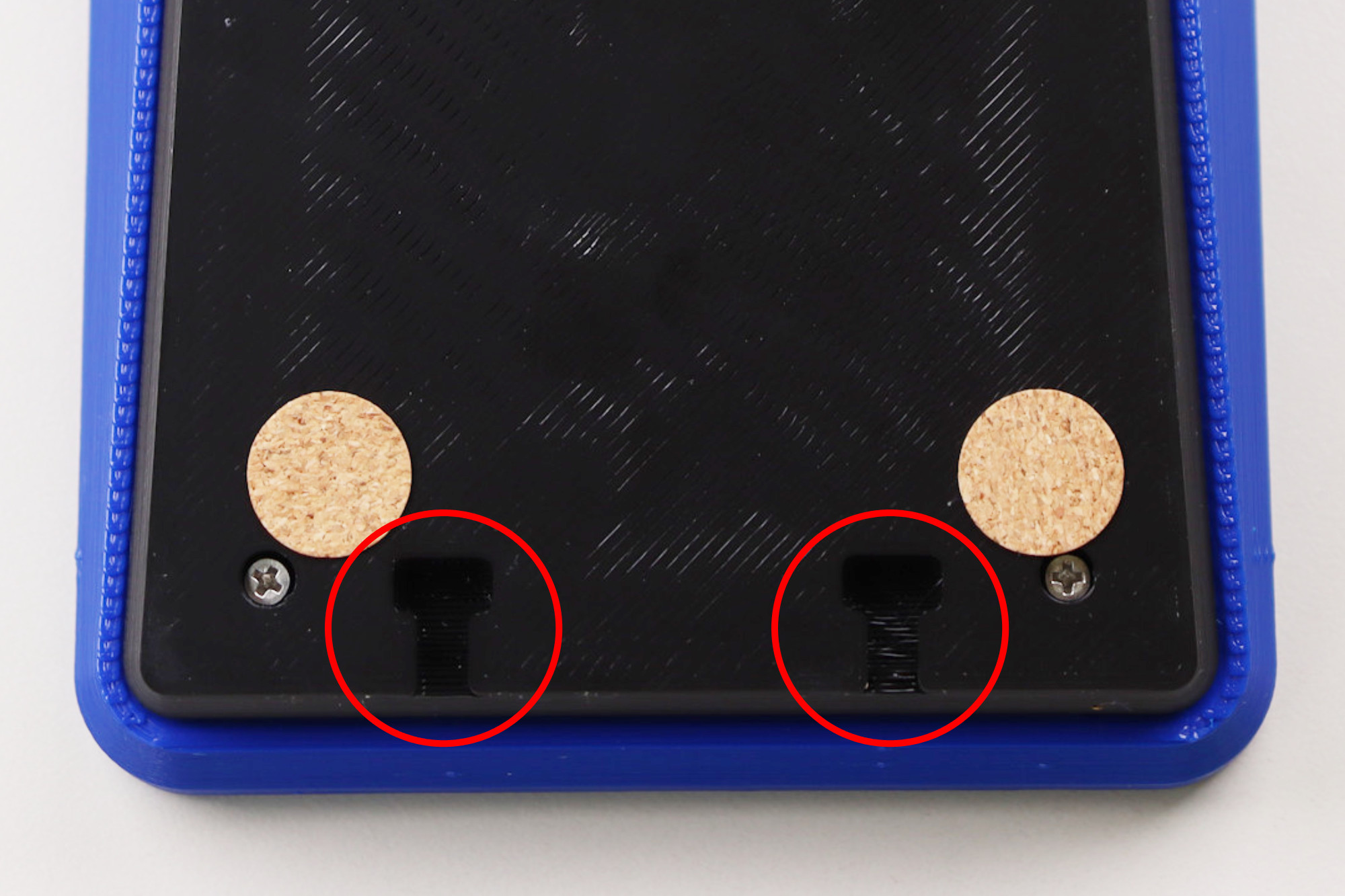
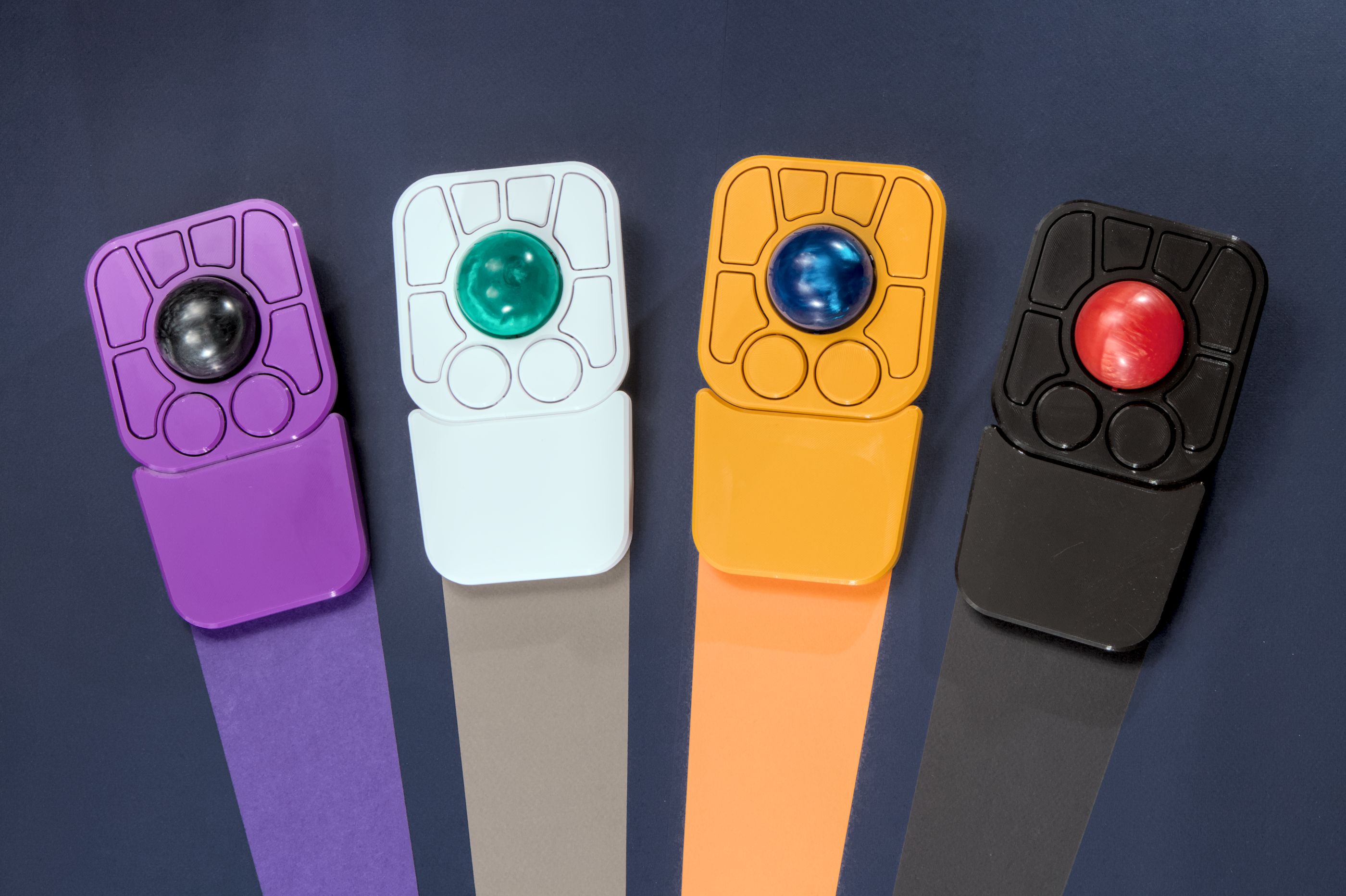
Now, the A+ makes our ambition a reality. It comes with a wrist rest that can be attached or detached during use, or can be screwed together, giving more options for how you want to use the A+.
Expanded capabilities
Over the last three years, many incredible features have been released by the QMK community. With the A+, we’re bringing three new and incredible features to the table: gestures, layers, and on-device configuration.
Gestures are a great new feature based on work done by the QMK community. The concept is simple: while holding down a button, the ball can be flicked in one of eight directions, which inputs a command.
By default, holding down the left knob and flicking the ball gives quick access to these commands:
- Cut, copy and paste
- Changing desktops
- Media controls
This functionality massively expands the number of commands that can be accessed from the A+, making it more versatile than ever before.
Layers are an exciting feature that have been present in keyboards for a long time, but are a first for trackballs.
By default, the first layer is the navigation layer, the one you use when you’re normally interacting with the A+.
The second layer is accessed by pressing the right knob, which switches the A+ to the control layer. This allows you to do on-device configuration. It gives you access to functions such as:
- Switching to left-hand mode (i.e. all features are mirrored horizontally)
- Switching between high-resolution scrolling and stepped scrolling
- Switching knob modes
- Changing LED brightness
- Changing DPI
- And so much more!
The A+ also comes with two bright internal LEDs. They can be used for determining what layer you’re on, configuration assistance, and more. Here it is in action:
The additional lighting gives additional context clues to help you get the most out of the A+.
A preview of the A+ keymap
If you want a full preview of how the A+ works, then we have a handy cheat sheet showing all of the features baked in. It also doubles as a printout that you can use to get used to how your A+ works.
What’s the same
There are a bunch of things that our community loves about the Adept, and we made sure not to change them for the A+.
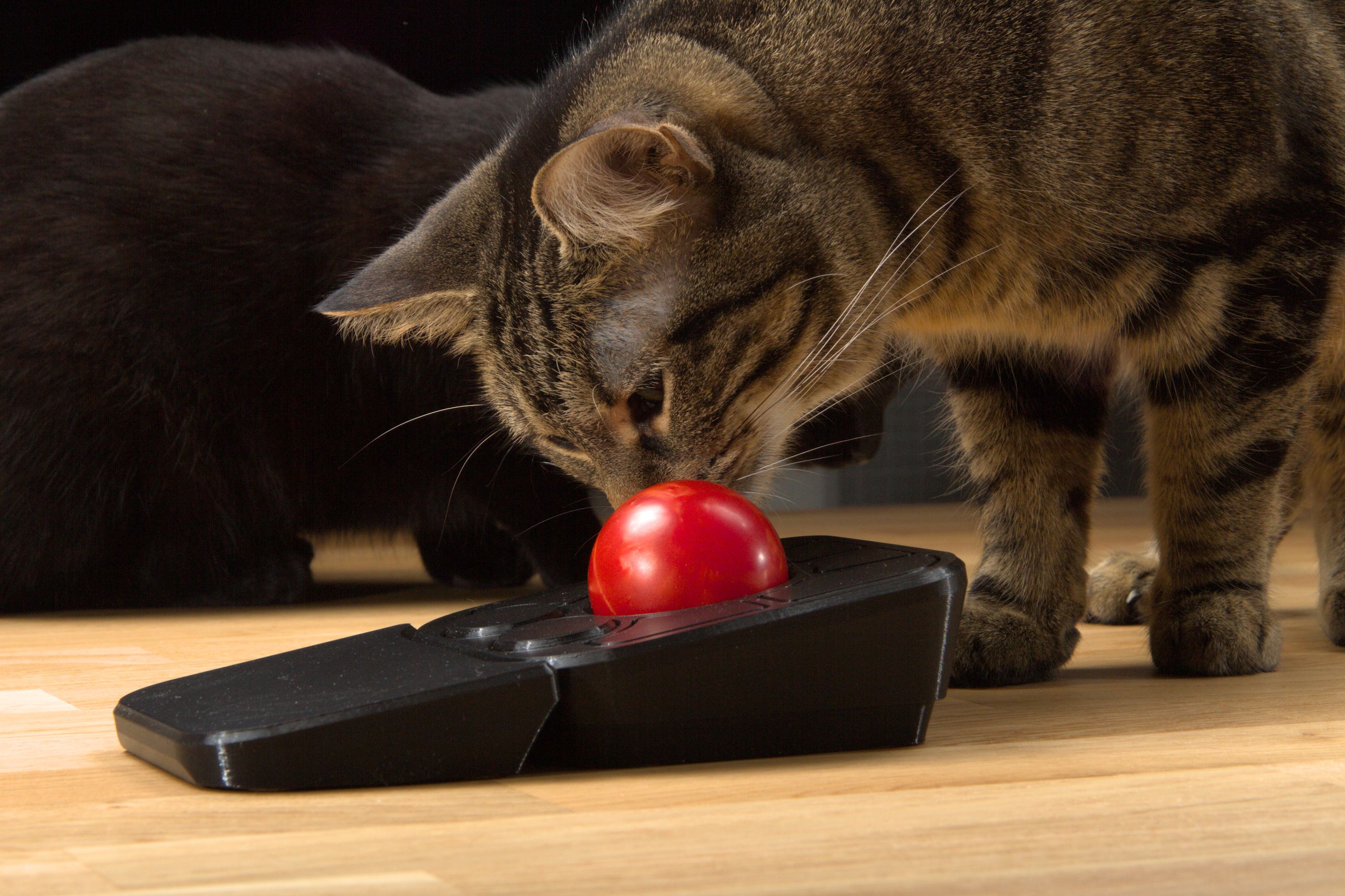
The A+ is still powered by the Pixart PMW-3360 mouse sensor. It continues to be a best-in-class sensor for trackball usage, with unbeatable accuracy, speed, and a 1,000Hz polling rate. We briefly considered changing sensors, but the PMW-3360 really can’t be beaten when you want the best.
The A+ also still contains Omron D2LS-21 switches, for the crisp, snappy responsiveness that our community expects and demands of high quality mouse buttons.
The A+ still runs QMK and is configurable with VIA, so the firmware is reprogrammable and the A+ is reconfigurable, with the configuration living on the A+ for ultimate portability.
And of course, the A+ is 100% open-source. Design files, firmware, detailed assembly instructions, it’s all available for free under the CERN OHL-V2s and GPLv3 licenses on our Github pages.
Thanks for your support!
Every time we release a new design, I’m filled with gratitude to be surrounded by such a supportive and innovative community. We can’t wait to see how the A+ evolves with community mods over time, and we thank each and every one of you for your continued support over the past few years.
Stay in touch with us!